You will use TM1Connect Manager to test the connection to the server. To access TM1Connect Manager, go to the start menu then → All Programs → CarpeDatum → TM1Connect → TM1Connect, or by double clicking the TM1Connect icon that was created on your desktop.
Depending on your configuration, you may see a login prompt, similar to the following:
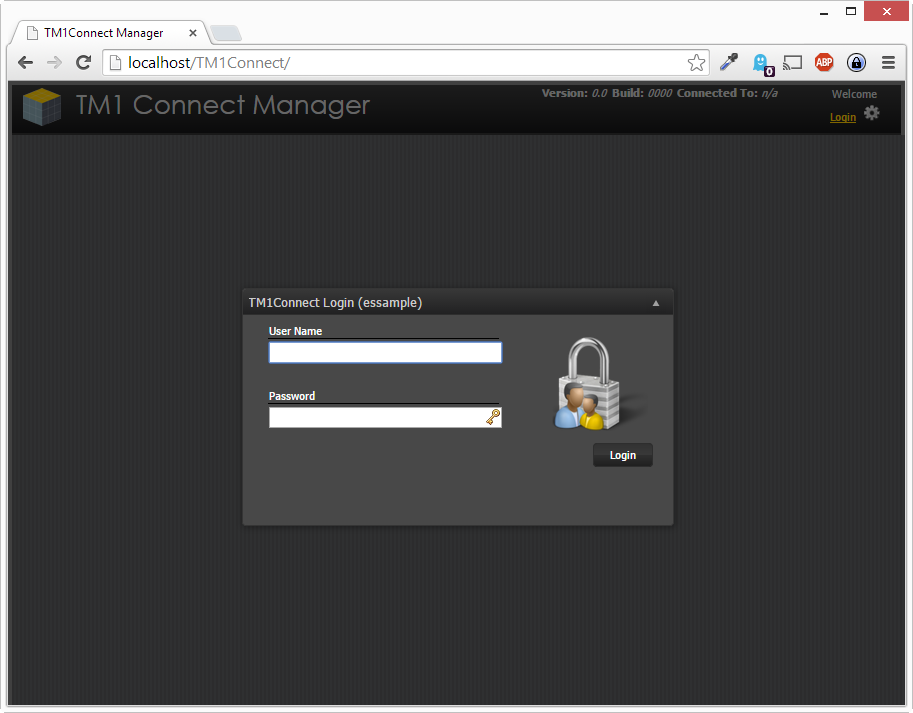
If you receive an error message, check your configuration settings and re-try the connection test.